Accurate Angle Measurement with Screen Protractor

Our unique transparent Windows app floats above other software, allowing you to measure anything.
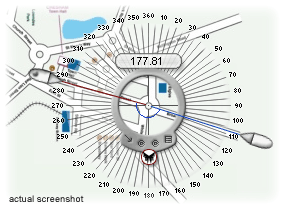
Screen Protractor is designed to float above any app, allowing you to measure anything you want
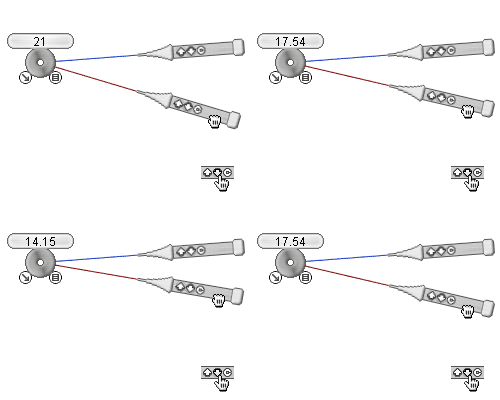
The Screen Protractor rotates through 360° allowing you to measure any angle
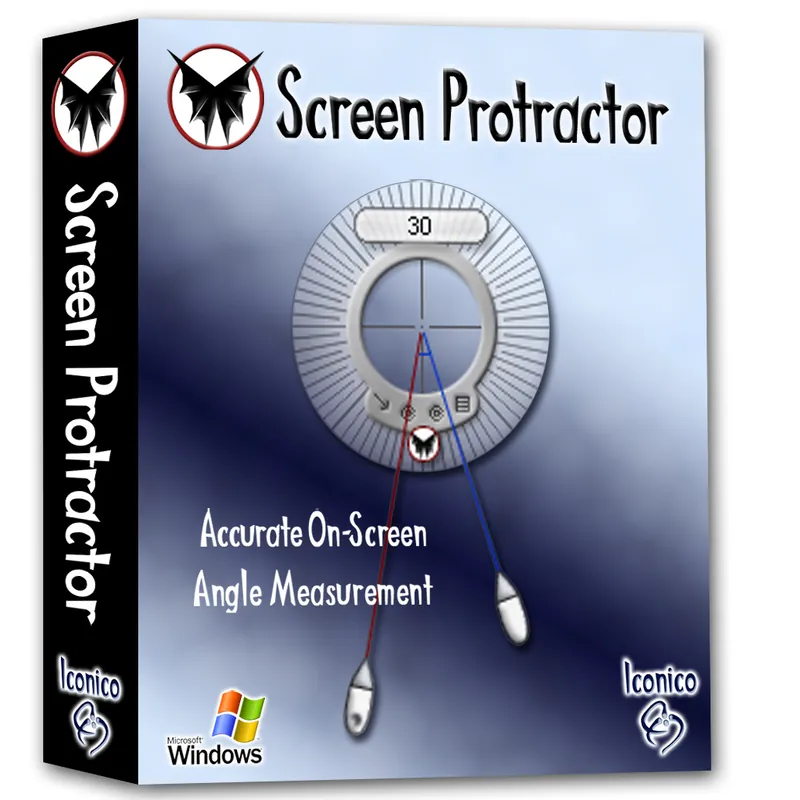
Download for free, and purchase the full featured version for just $29.50, we offer a risk free 30 day money back guarantee
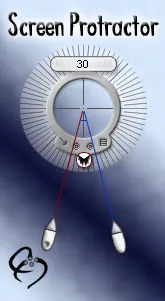
Fingertip Accuracy and Simple to use
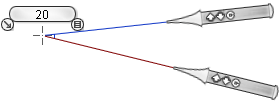
The Screen Protractor's unique design gives it the edge over other apps. By aligning the two guidelines using fingertip controls or nudging pixel by pixel with keyboard shortcuts you can ensure that the measurement you're getting is extremely accurate.
The Protractor can be used with any program as they float over other applications allowing quick and easy measurements. Read the full specs on how everything works.


Discover the many uses of your Screen Protractor


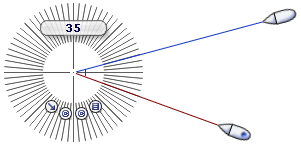
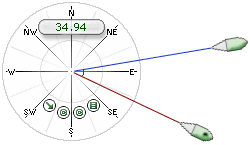
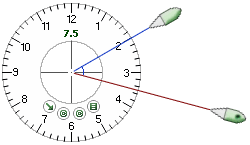
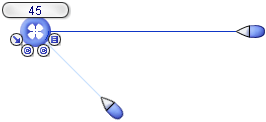
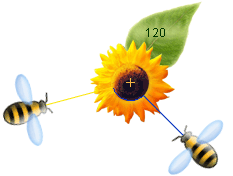
The Protractor has a fully 'skinnable' interface. This means that you may download new skins and change the user interface. From aesthetic to technical you should find onscreen solution that suits your needs.
Pictured here the Numeric skin that comes with the program. The Numeric skin has a large semi-transparent base with additional numbers around the edge.

How to use Screen Protractor
Short answers for the usual questions. The full manual, including keyboard shortcuts, is on getting started .